QR code business card
Your card has a QR code on its back. Hold up your phone, flip the card, and people scan it to message you. From your card page they can also save your details straight to their contacts. Designing it is free and takes about a minute.
Free to design · No app needed · Works on any phone
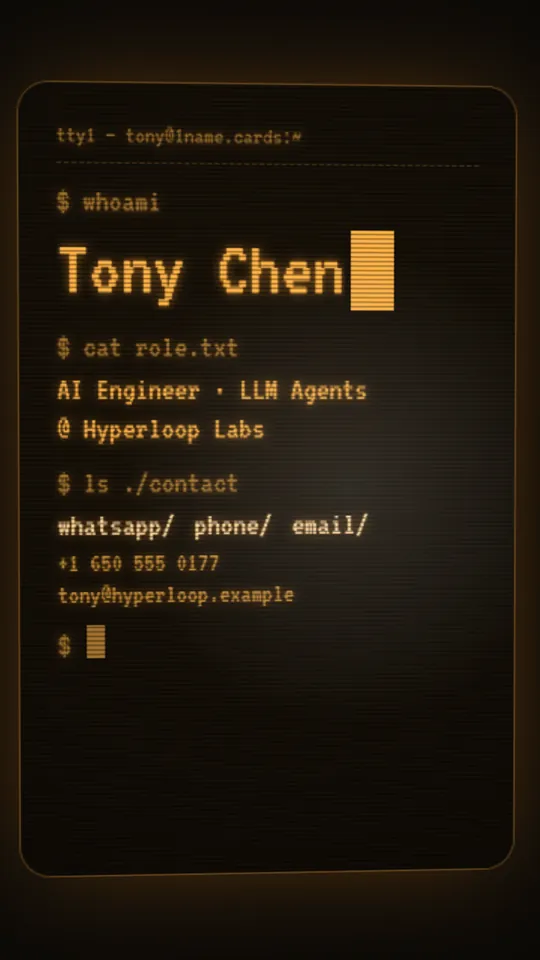
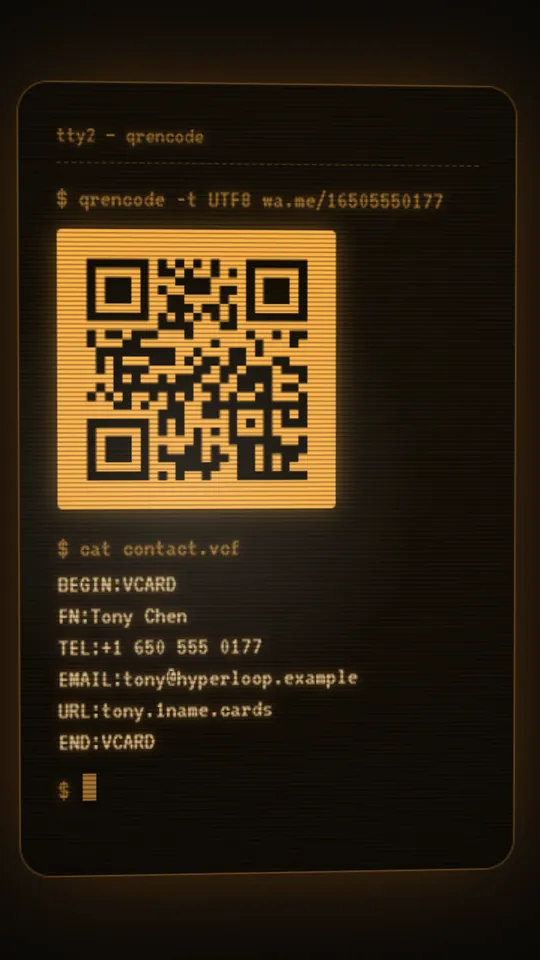
What the QR code does
WhatsApp
The code is made from your number and opens a chat with you.
WeChat
Upload the QR code from your WeChat profile; scanning it adds you.
Your own
Already have a QR code you like? Upload the image and it goes on your card.
How to make a QR code business card
- Pick a style. Nine designs, each with its own place for the code: a sticker on the holographic card, a glass orb on the northern-lights card, a dimensioned detail on the blueprint.
- Type your details. Name, job title, company, phone and email. The card updates as you type.
- Choose what the code opens. Pick WhatsApp and type your number with its country code, or pick WeChat and upload the QR code from your WeChat profile. You can also upload any QR code image of your own.
- Flip it and test it. Swipe the card over and scan the code with a second phone. It should open a chat with you, or your WeChat profile.
That's it. The code is part of your card from then on, and if your number changes you change it once and every way you share your card shows the new one.
Save contact in one tap
A QR code gets people talking to you. Save contact makes sure they keep you. Every card page has the button, and it hands the visitor's phone a contact card (a vCard) with your name, job title, company, phone and email. Nobody has to type you in by hand, and nobody saves you as “John conference”.
The card page also has buttons to call, email or message you, so whichever way someone prefers to get in touch is one tap away.
Three ways to share
- In person: flip your card and let them scan the QR code. It works across a table, at a stand or in a lift.
- By link: with Pro your card lives at yourname.1name.cards. Send it by message or email, or put it in your social bio and email signature.
- On social: post an HD video or GIF of your card turning and flipping. The QR code is on the back, so people who see your post can scan it from the screen.
QR code card or paper card?
| Paper card | QR code digital card | |
|---|---|---|
| Running out | Reprint every few hundred | Never |
| Changing a detail | Throw the box away | Edit it, done |
| Getting into their phone | They type you in, or don't | Save contact in one tap |
| Starting a conversation | An email, days later | A WhatsApp or WeChat chat from the scan |
| Sharing online | Not really | Link, video, GIF and images |
| Cost | Printing every time | Free to design; $9.90 a year for your own link |
Plenty of people keep a few paper cards for formal moments, and use the QR code card everywhere else.
Who uses a QR code business card
Trade shows and sales
Visitors scan at the stand and the follow-up starts in a chat, not a pile of cards.
Freelancers and consultants
One card for meetings, proposals and your bio, kept up to date.
Shops and restaurants
Show the code at the counter so customers can message you for orders and bookings.
Pick a style
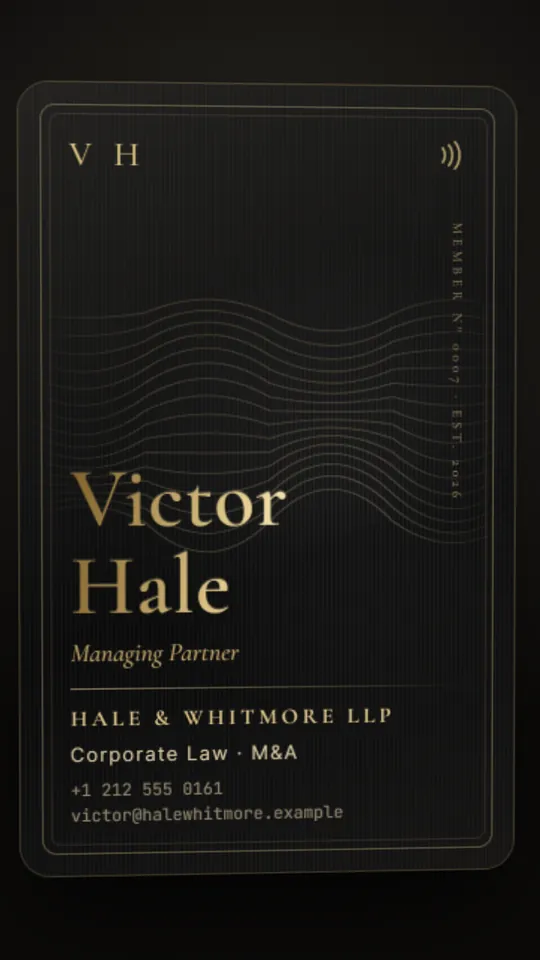 NoirLaw · Finance
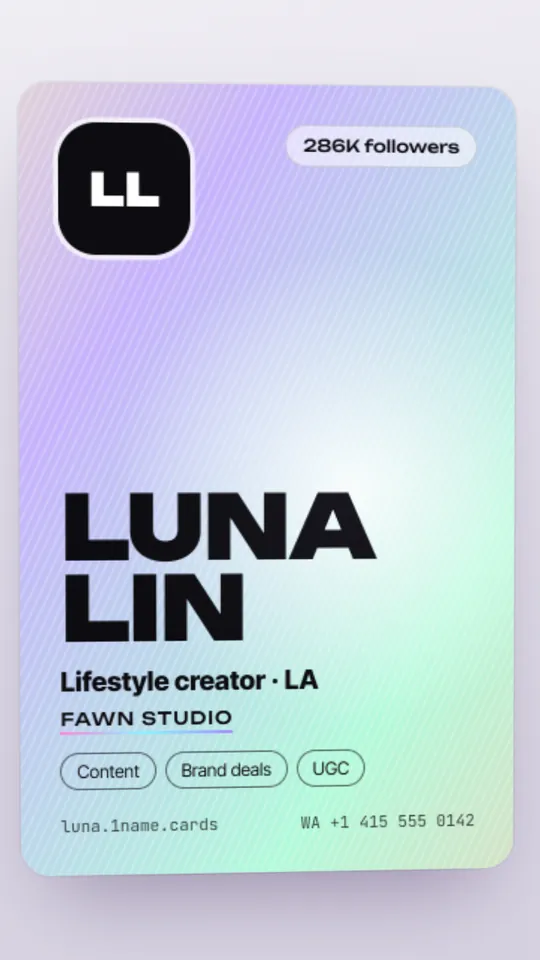 HoloCreators · Brands
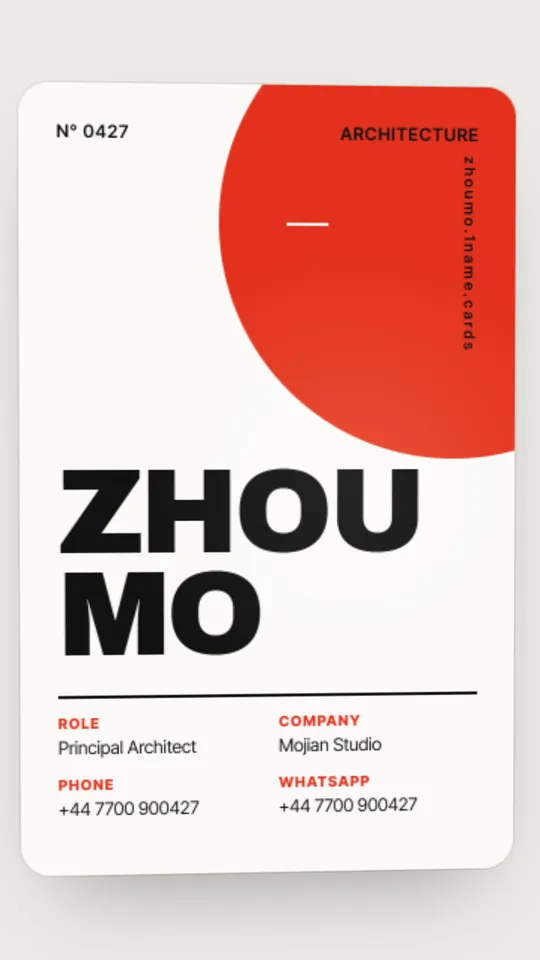 SwissDesign · Studios
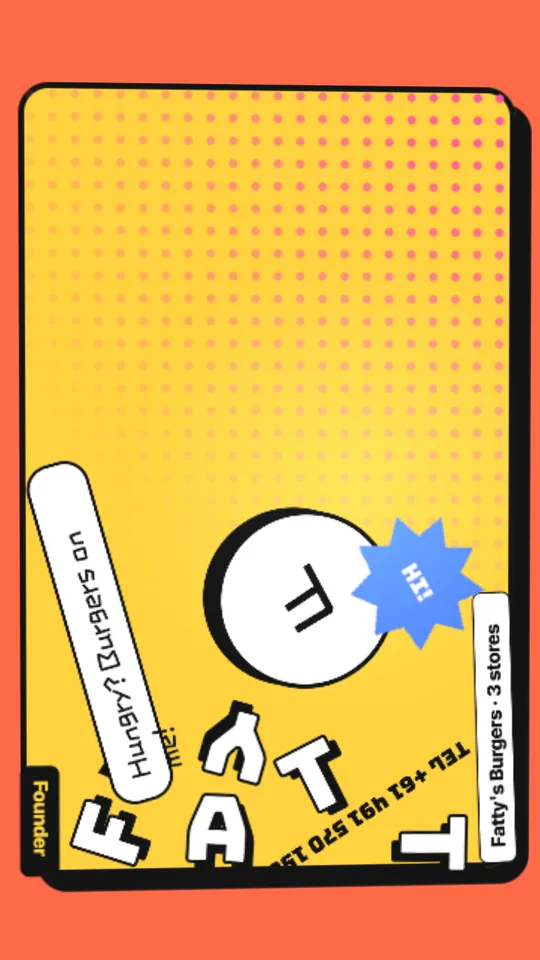 PopFood · Retail
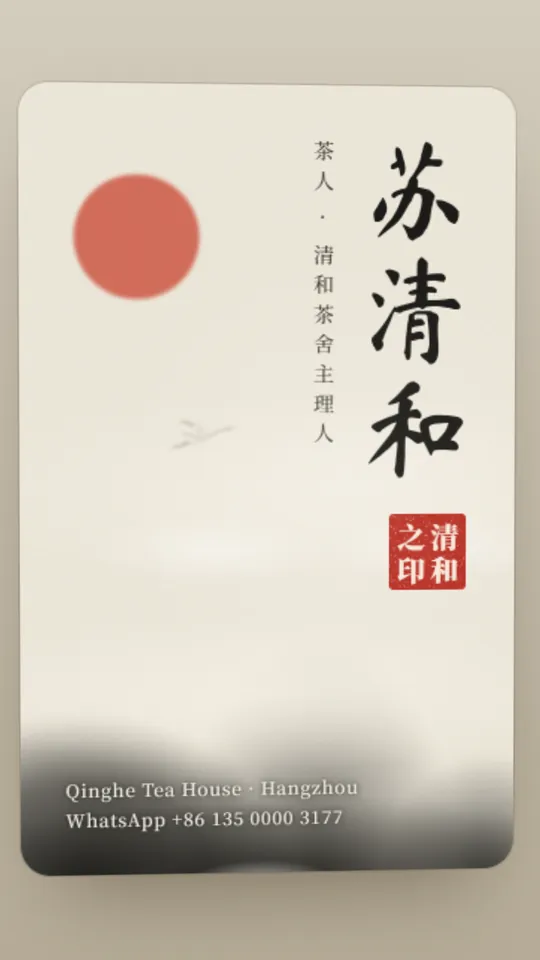 InkTea · Culture
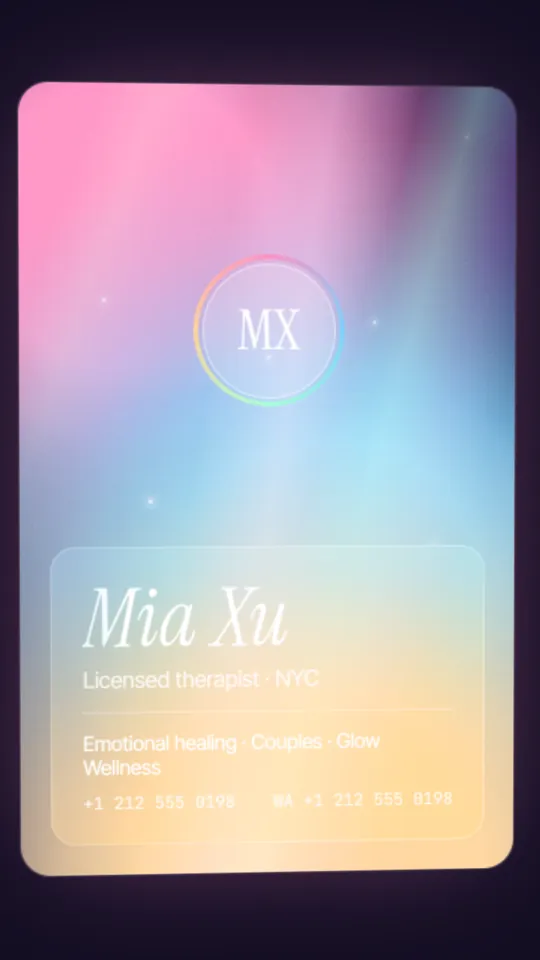 AuroraBeauty · Wellness
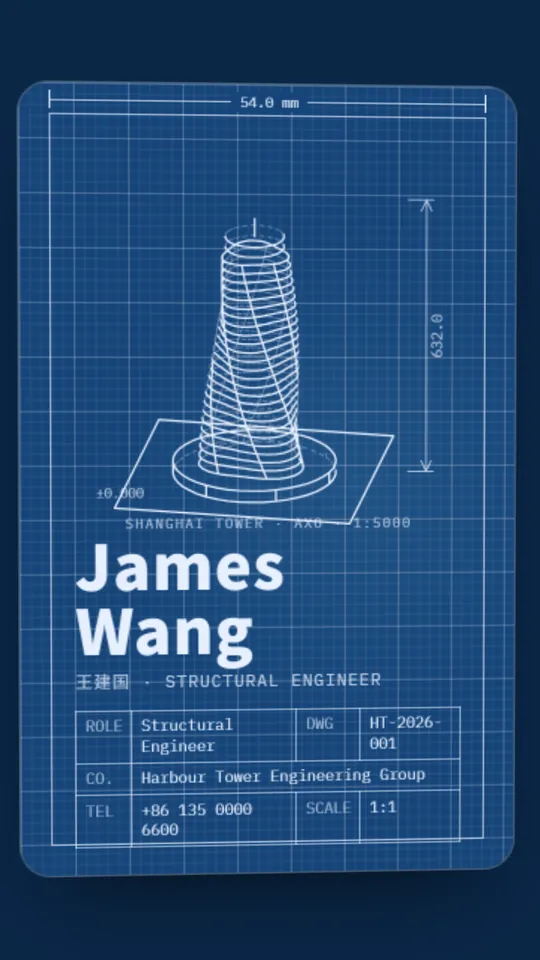 BlueprintArchitecture · Engineering
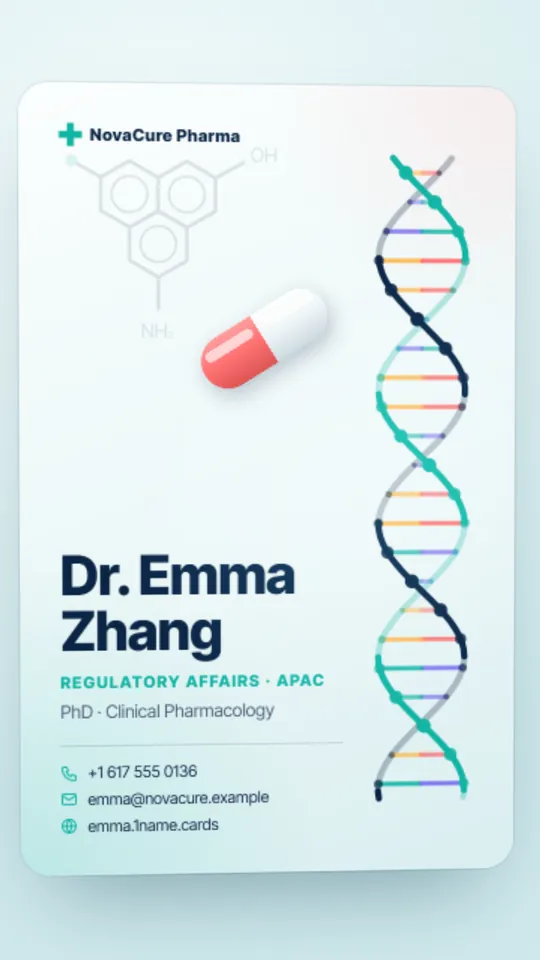 HelixPharma · Health
What it costs
Free
$0
- Design your card in all nine styles
- Your photo and messenger QR code
- Save your card to your account
Pro
$9.90 per year
- Your live card link: yourname.1name.cards
- Video, GIF and image exports, up to 20 a day
- Change your card any time
Share pack
$2.99 once
- One HD export of your card in one style
- MP4 video with music, GIF and JPG images
- No subscription
Prices in US dollars, sales tax or VAT included. Payments by Creem, our merchant of record. Full refund within 14 days: see the refund policy.
Questions
Do people need a QR scanner app?
No. The camera app on iPhone and Android phones reads QR codes.
What does my QR code open?
With WhatsApp, a chat with you. With WeChat, your WeChat profile so they can add you. If you upload your own code, wherever that code points.
What's the difference between a QR code business card and a digital business card?
A digital business card is your card on a screen: a page with your details that people can save. A QR code business card adds a code that people scan with their camera to reach you. Super Namecard is both: a 3D digital card with your QR code on the back.
Does the QR code expire?
A WhatsApp code is made from your phone number, so it keeps working as long as the number does. An uploaded code works for as long as the service that made it keeps it valid.
Can I use my QR code on paper or a sign?
Exports include a JPG of your card's back, QR code and all, which you can use anywhere an image goes. Super Namecard itself doesn't print cards.
Can I change the QR code later?
Yes. Change your number or upload a new image and your card updates.
Is a QR code business card free?
Designing your card, QR code included, is free. Your live card link and video exports come with Pro ($9.90 a year) or a share pack ($2.99).
More about Super Namecard
- Business card makerMake a business card online for free.
- Virtual business cardMake a free virtual business card in a minute.
- WhatsApp business cardA digital business card with your WhatsApp QR code.
- WeChat business cardA digital business card that carries your WeChat QR code, with your name in English, Chinese or both.
- 3D animated business cardA business card that tilts, flips and turns sideways.